Quick Start
Introduction
Welcome to the Quick Start guide for NexChat! This page will walk you through the essential steps to set up your account, create your first AI Agent, and integrate it into your website or platform.
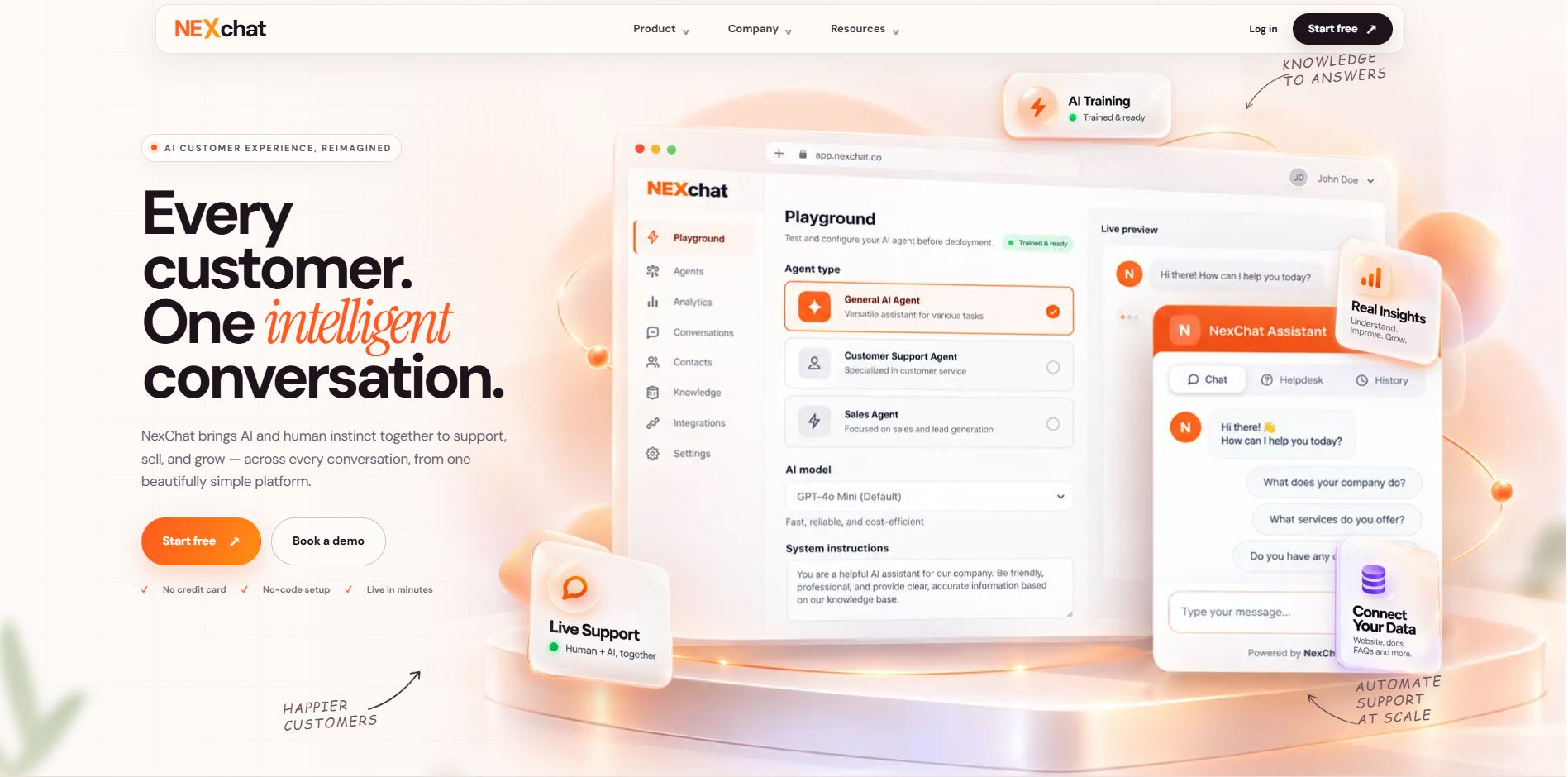
What is NexChat?
NexChat is an AI-powered platform that helps businesses build intelligent AI agents designed around their unique data and customer needs. By integrating NexChat into your website, app, or communication channels, you can deliver faster support, generate qualified leads, and engage users in real-time.
Key Features
- Customizable AI Agents – Train AI agents using your own data sources such as documents, websites, or FAQs, ensuring accurate and context-aware responses.
- No-Code Integration – Deploy NexChat agents without writing a single line of code, making setup accessible to everyone.
- Smart Analytics – Track conversations, measure performance, and gain insights into customer behavior to improve outcomes.
- Omnichannel Support – Integrate seamlessly across websites, mobile apps, email, and messaging platforms like WhatsApp, Messenger, and Instagram.
- Lead Generation Tools – Capture and manage leads directly through conversations, turning chats into conversions.
- Privacy & Security – Keep your data safe with enterprise-grade encryption and strict access controls.
With NexChat, businesses can provide 24/7 automated support, engage users with meaningful conversations, and streamline routine tasks — boosting efficiency and customer satisfaction.
How to Add NexChat to Your Website
You can integrate NexChat into your website or app in three simple ways:
- iFrame Embed: Embed your NexChat agent across multiple pages by adding an iframe code snippet. Once embedded, the agent will remain visible on those pages, ensuring a consistent and accessible chat experience for visitors. This method is static, meaning the agent is always open and ready for interaction without requiring additional clicks.
- Chat Bubble: Place a NexChat bubble in the bottom corner of your site. The bubble remains visible at all times, and when clicked, it opens a floating chat window. Users can chat without leaving the page, and they can minimize the window anytime. This option offers a clean, unobtrusive, and interactive experience across your site.
- API Integration: For maximum flexibility, integrate NexChat using API calls. This allows you to fully customize the chat UI to match your brand while maintaining smooth communication with the NexChat backend. With APIs, you can send and receive messages, personalize bot behavior, and design a fully tailored chat experience.