Overview
Actions Overview
Extend your AI agent's capabilities with Actions - powerful integrations that let your agent perform real tasks like booking meetings, searching the web, or triggering workflows.
What are Actions?
Actions allow your AI agent to do more than just answer questions. They enable your agent to:
- Take real actions on behalf of users
- Integrate with external services and APIs
- Automate workflows and tasks
- Access real-time information
- Create, update, or retrieve data from connected systems
Built-in Actions
NexChat includes several pre-built actions ready to use:
Web Search
Let your agent search the internet for current information and real-time data.
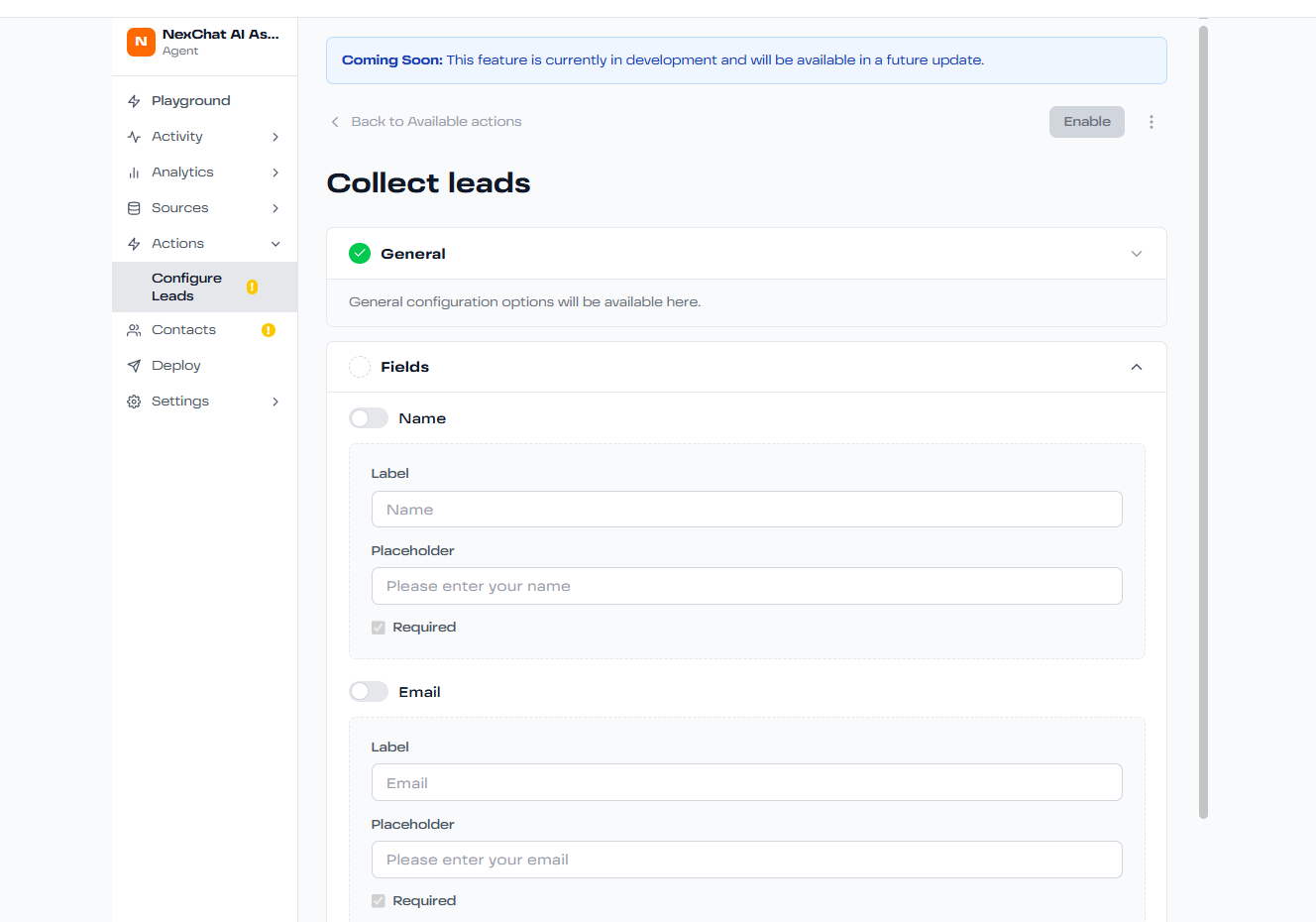
Lead Collection
Automatically capture and store lead information from conversations.
How Actions Work
When a user's message requires an action, here's what happens:
Intent Detection
The AI understands the user's intent and determines if an action is needed.
Action Selection
The agent chooses the appropriate action from available options.
Execution
The action is executed with relevant parameters from the conversation.
Response
The agent incorporates the action result into its response to the user.
Enabling Actions
To enable an action for your agent:
- Go to your agent's settings
- Navigate to the Actions tab
- Browse available actions
- Click "Enable" on the action you want to use
- Configure any required settings (API keys, webhooks, etc.)
- Test the action in the Playground
- Deploy your updated agent
Use Cases for Actions
- E-commerce: Check inventory, process returns, track orders
- Support: Create tickets, check status, escalate issues
- Sales: Book demos, qualify leads, send proposals
- HR: Schedule interviews, submit time off, answer policy questions