Activity
Activity Monitoring
Monitor all conversations between your AI agent and users in real-time. View chat logs, user feedback, and identify areas for improvement.
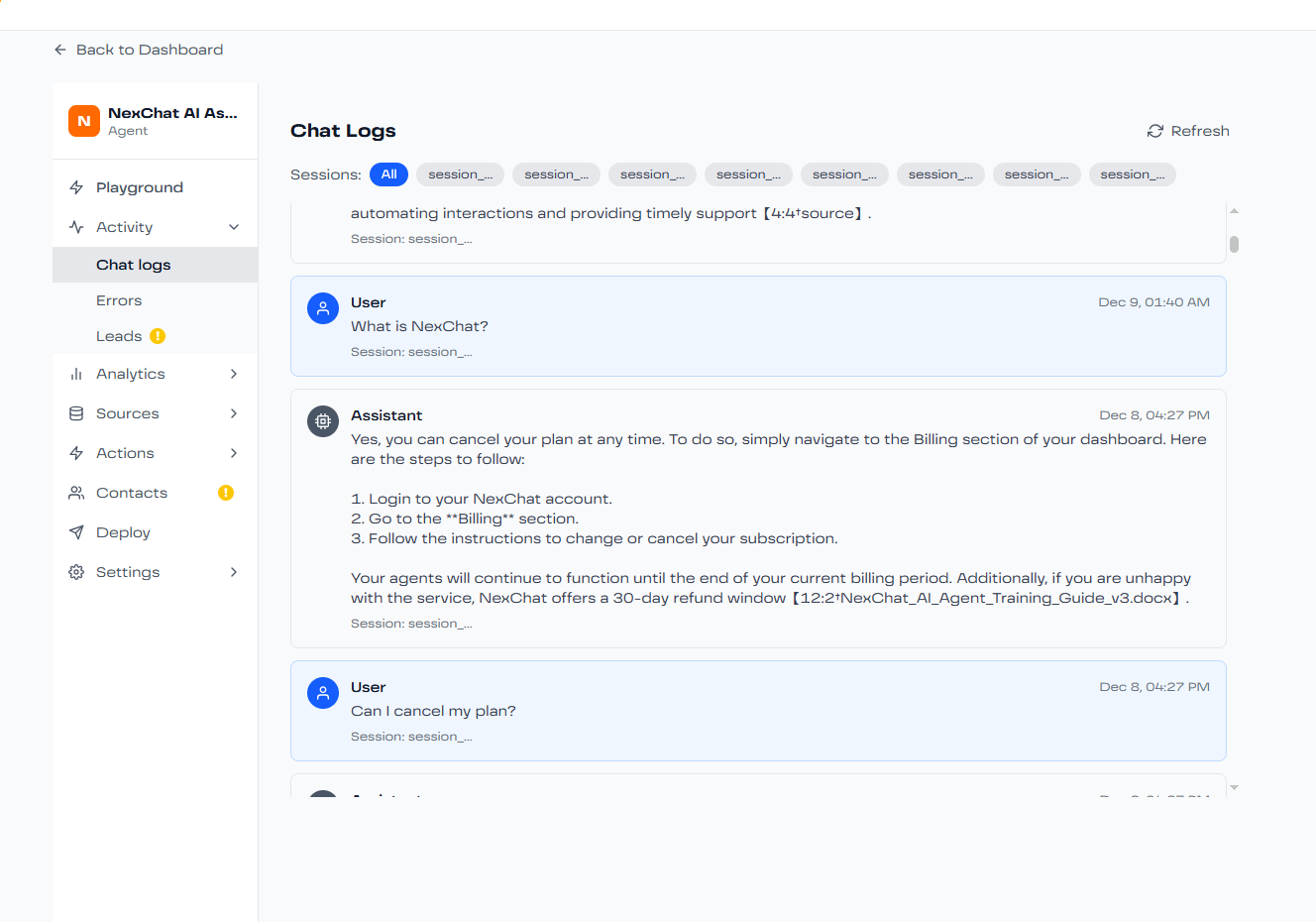
What is Activity Monitoring?
The Activity tab provides a comprehensive view of all interactions with your AI agent, allowing you to:
- Review complete conversation transcripts
- See user feedback and ratings
- Identify common questions and pain points
- Find responses that need improvement
- Track agent performance over time
Conversation View
Each conversation entry shows:
Timestamp
When the conversation occurred
User Information
User ID, location, and device information (if available)
Full Transcript
Complete back-and-forth conversation
User Feedback
Thumbs up/down ratings and comments
Filtering and Search
Find specific conversations quickly:
- Date Range: Filter by specific time periods
- Feedback: View only positive or negative interactions
- Keywords: Search for specific topics or phrases
- User ID: Track conversations with specific users
Revising Responses
When you find a response that could be better:
- Click on the conversation to view details
- Find the specific response you want to improve
- Click the "Revise" button
- Edit the response to be more accurate or helpful
- Save the revision
The revised response is automatically added to your training data, helping your agent learn and improve over time.
Pro Tip: Regular Reviews
Schedule weekly reviews of your Activity feed to identify trends and improvement opportunities. Pay special attention to conversations with negative feedback or where users asked follow-up clarifying questions.