Getting Started
Getting Started with Contacts
Learn how to manage leads and contacts captured through your AI agent conversations. Build your customer database and nurture relationships effectively.
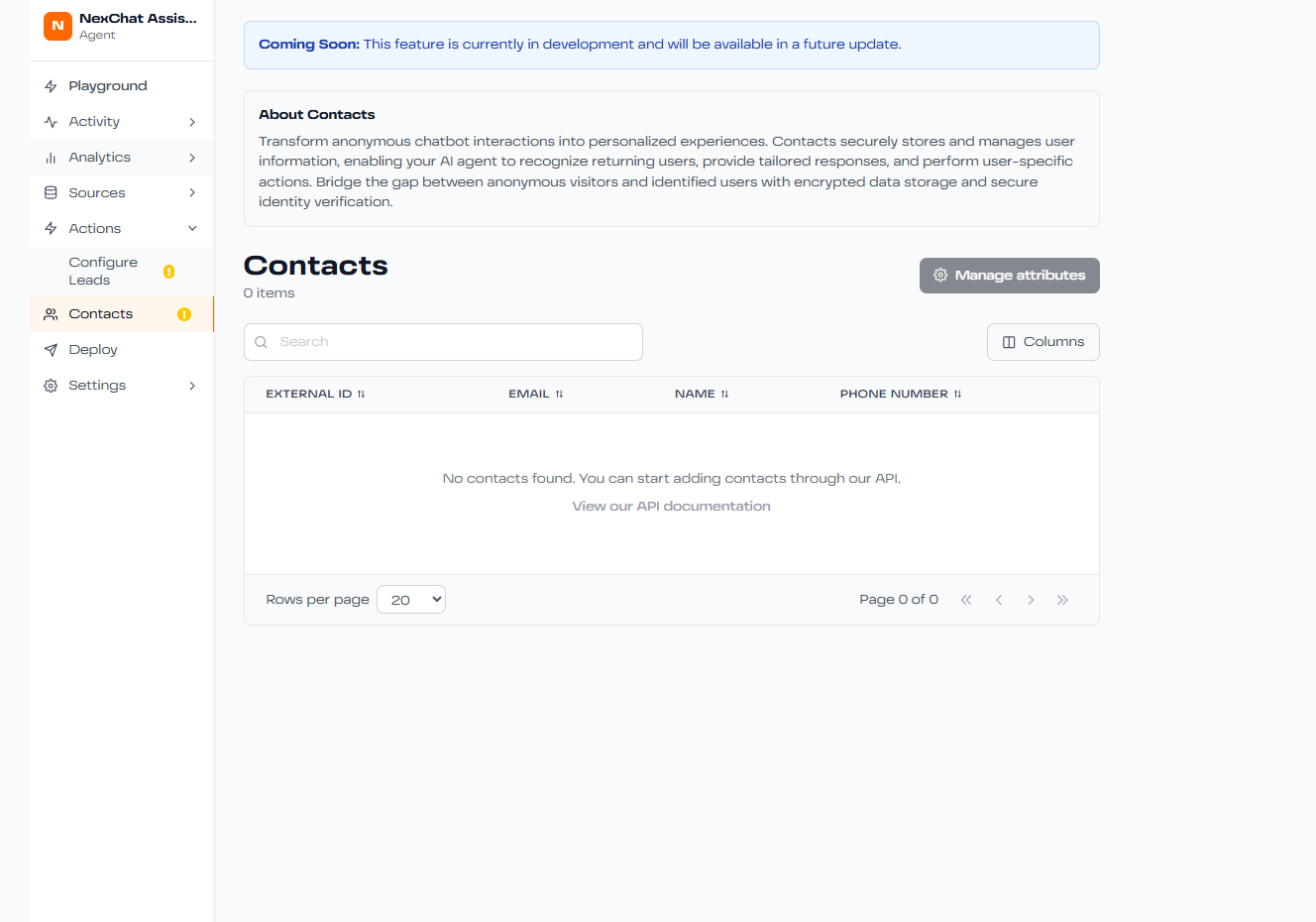
What are Contacts?
Contacts are individuals who have interacted with your AI agent and provided their information. The Contacts section helps you:
- View all captured leads in one place
- See conversation history for each contact
- Track lead quality and engagement
- Export contacts for follow-up
- Integrate with your CRM
- Segment contacts by attributes
Viewing Your Contacts
Access your contacts dashboard:
- Navigate to the Contacts section in your workspace
- Browse the list of all contacts
- Click on any contact to view their full profile
- See conversation transcripts and interaction history
Contact Information
Each contact profile includes:
Basic Info
Name, email, phone, company, role
Conversation History
All chat transcripts with your agent
Lead Score
Qualification score based on engagement
Source
How they found your agent (website, campaign, etc.)
Managing Contacts
Actions you can take:
- Export: Download contacts as CSV for use in other tools
- Filter: Segment by lead score, date, source, or custom fields
- Search: Find specific contacts quickly
- Tag: Organize contacts with custom tags
- Notes: Add internal notes for your team
CRM Integration
Connect NexChat to your CRM to automatically sync contacts:
- Go to Settings → Integrations
- Select your CRM (Salesforce, HubSpot, Pipedrive, etc.)
- Authenticate and map fields
- Contacts automatically sync in real-time
Next Steps
- Set up lead collection in your agent settings
- Define your lead qualification criteria
- Configure automated follow-up workflows
- Review contacts regularly to identify opportunities
- Train your sales team on how to use contact data