Sources
Training Sources
Train your AI agent with various data sources including websites, documents, FAQs, and more. The quality of your sources directly impacts your agent's accuracy and helpfulness.
Types of Training Sources
NexChat supports multiple types of training data to build a comprehensive knowledge base for your agent:
1. Website Content
Automatically crawl and import content from your website:
- Enter your website URL
- Choose which pages to include or exclude
- Set crawl depth (how many levels deep)
- Content automatically updates when your site changes
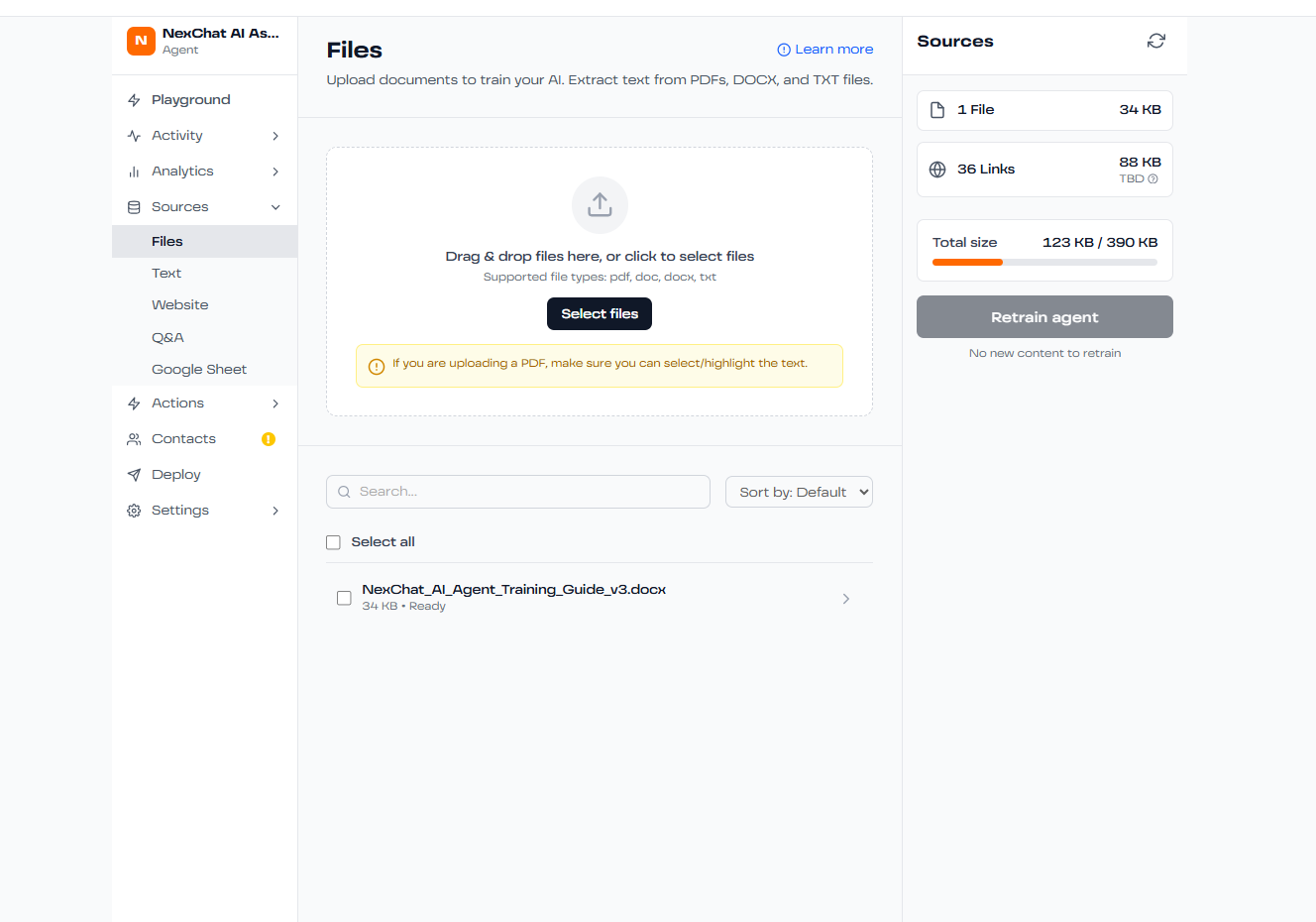
2. Document Upload
Upload documents directly to train your agent:
- Supported formats: PDF, DOCX, TXT, CSV
- Max file size: 10 MB per file
- Use cases: Product manuals, FAQs, policy documents, training materials
3. Text Snippets
Add quick text-based knowledge directly:
- Perfect for FAQs and quick answers
- Easy to update and manage
- Supports markdown formatting
- Can include links and images
4. Q&A Pairs
Create specific question-answer pairs for precise control:
- Define exact responses to common questions
- Higher priority than general knowledge sources
- Ideal for critical information that must be answered consistently
Adding a New Source
- Navigate to your agent's Sources tab
- Click "Add Source" button
- Select the type of source you want to add
- Follow the prompts to upload or configure your source
- Click "Train" to process the new data
- Test in the Playground to verify the agent learned the information
Managing Your Sources
Keep your agent's knowledge up-to-date:
- Edit: Update existing source content
- Retrain: Reprocess sources after making changes
- Delete: Remove outdated or incorrect information
- Preview: See how the system has processed your content
Source Quality Tips
- Use clear, well-structured content
- Avoid duplicate information across sources
- Keep content current and accurate
- Include specific details (dates, prices, specifications)
- Use proper formatting (headings, lists, etc.)