Collect Leads
Lead Collection
Automatically capture and qualify leads through natural conversations. Turn chat interactions into valuable contact information for your sales team.
What is Lead Collection?
Lead Collection action allows your AI agent to:
- Identify potential leads during conversations
- Collect contact information naturally
- Qualify leads based on criteria you define
- Store lead data in your CRM or database
- Trigger follow-up workflows automatically
- Score leads based on conversation quality
Information Captured
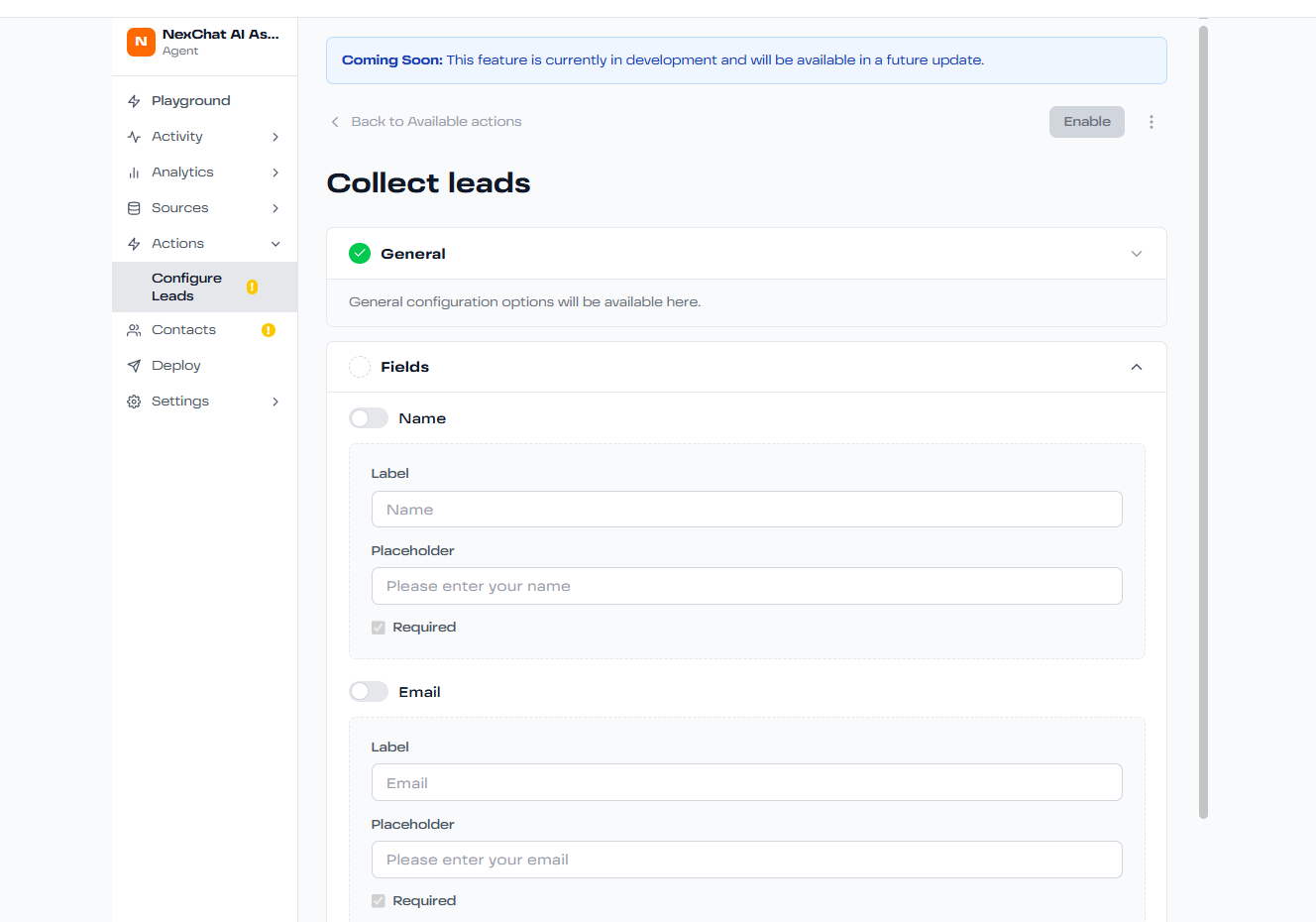
Configure which information to collect:
✅ Name
First and last name
Primary contact email
✅ Phone
Phone number with validation
✅ Company
Company name and size
✅ Role
Job title or position
✅ Custom Fields
Any additional data you need
Setting Up Lead Collection
- Enable Action: Go to Actions tab and enable "Lead Collection"
- Define Fields: Select which information to capture
- Set Triggers: Define when to ask for contact info (e.g., after pricing question)
- Configure Storage: Choose where to send leads (CRM, email, database)
- Qualify Criteria: Set rules for lead scoring
- Test Flow: Verify collection process in Playground
Lead Qualification
Automatically score leads based on:
- Company size or industry
- Budget indicators mentioned
- Timeline for purchase
- Decision-making authority
- Specific pain points discussed
- Engagement level in conversation
Conversion Tips
- Ask for contact info at natural conversation points
- Offer value in exchange (demo, whitepaper, consultation)
- Keep required fields minimal to reduce friction
- Use progressive disclosure - collect more info over time
- Always respect privacy and be transparent about data use