Manage
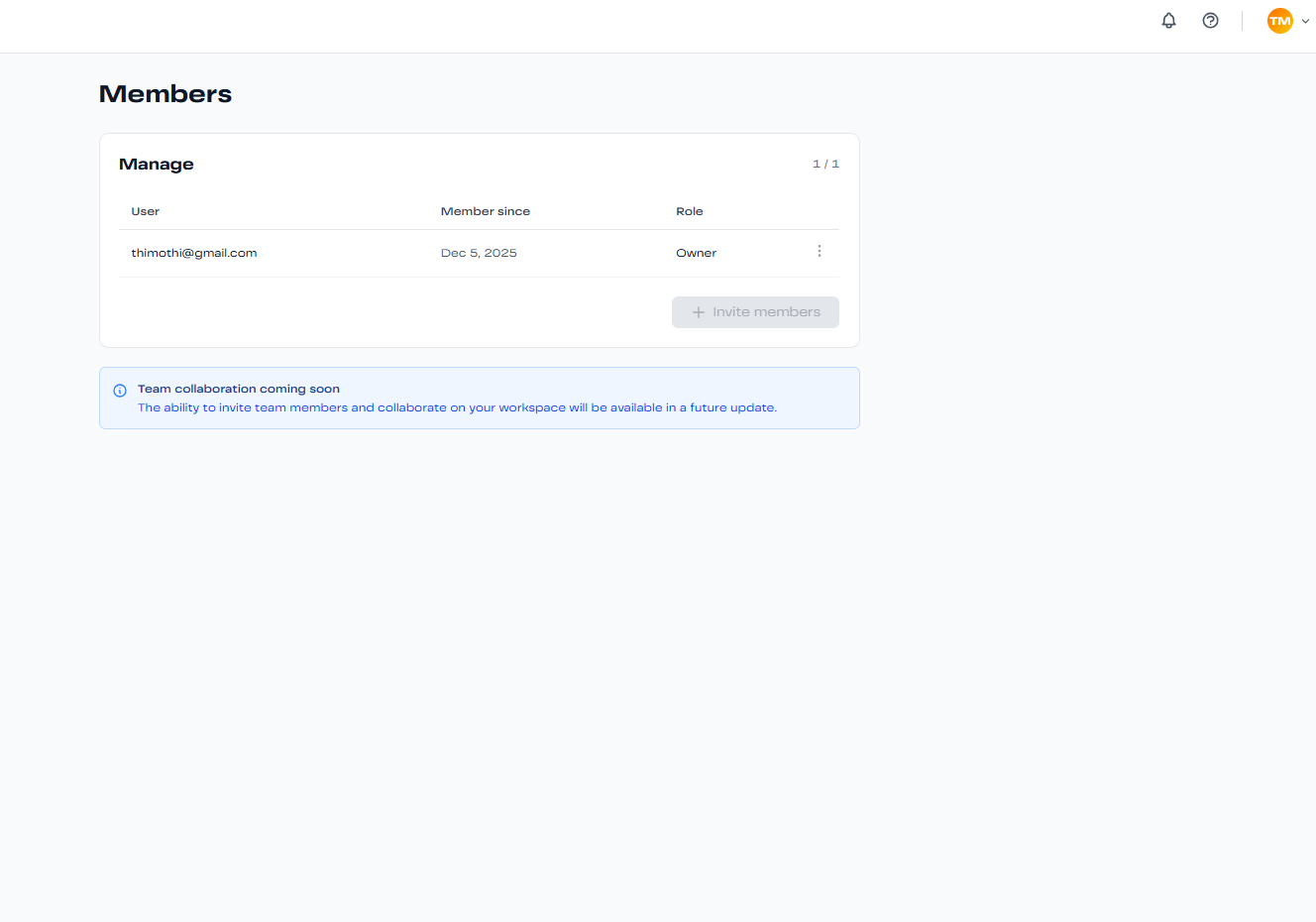
Team Management
Collaborate with your team by inviting members, assigning roles, and managing permissions. Build and manage your AI agents together.
Team Roles & Permissions
NexChat offers three role levels with different permissions:
Owner
Full access to all features and settings:
- Create and delete agents
- Manage billing and subscriptions
- Invite and remove team members
- Assign roles and permissions
- Access all analytics and reports
- Configure workspace settings
Admin
Can manage agents and team members:
- Create and configure agents
- Edit training sources
- Invite team members (cannot remove Owner)
- View analytics and activity logs
- Cannot access billing settings
Member
View-only access with limited editing:
- View agent configurations
- Test agents in Playground
- View conversation logs
- Cannot create or delete agents
- Cannot invite team members
Inviting Team Members
- Navigate to Settings → Team Management
- Click the "Invite Member" button
- Enter the email address of the person you want to invite
- Select their role (Admin or Member)
- Click "Send Invitation"
- They'll receive an email with instructions to join
Note: Invitations expire after 7 days. You can resend expired invitations from the Team Management page.
Managing Existing Members
From the Team Management page, you can:
- Change Roles: Promote or demote members between Admin and Member roles
- Remove Members: Revoke access for team members who no longer need it
- View Activity: See when team members last accessed the workspace
- Resend Invitations: Send a new invitation email if the original wasn't received
Team Collaboration Best Practices
- Assign clear roles based on responsibilities
- Use Member role for stakeholders who only need visibility
- Regularly review team access and remove inactive members
- Use descriptive naming for agents to help team navigation