Analytics
Analytics Dashboard
Track key performance metrics and gain insights into how users interact with your AI agent. Make data-driven decisions to improve engagement and satisfaction.
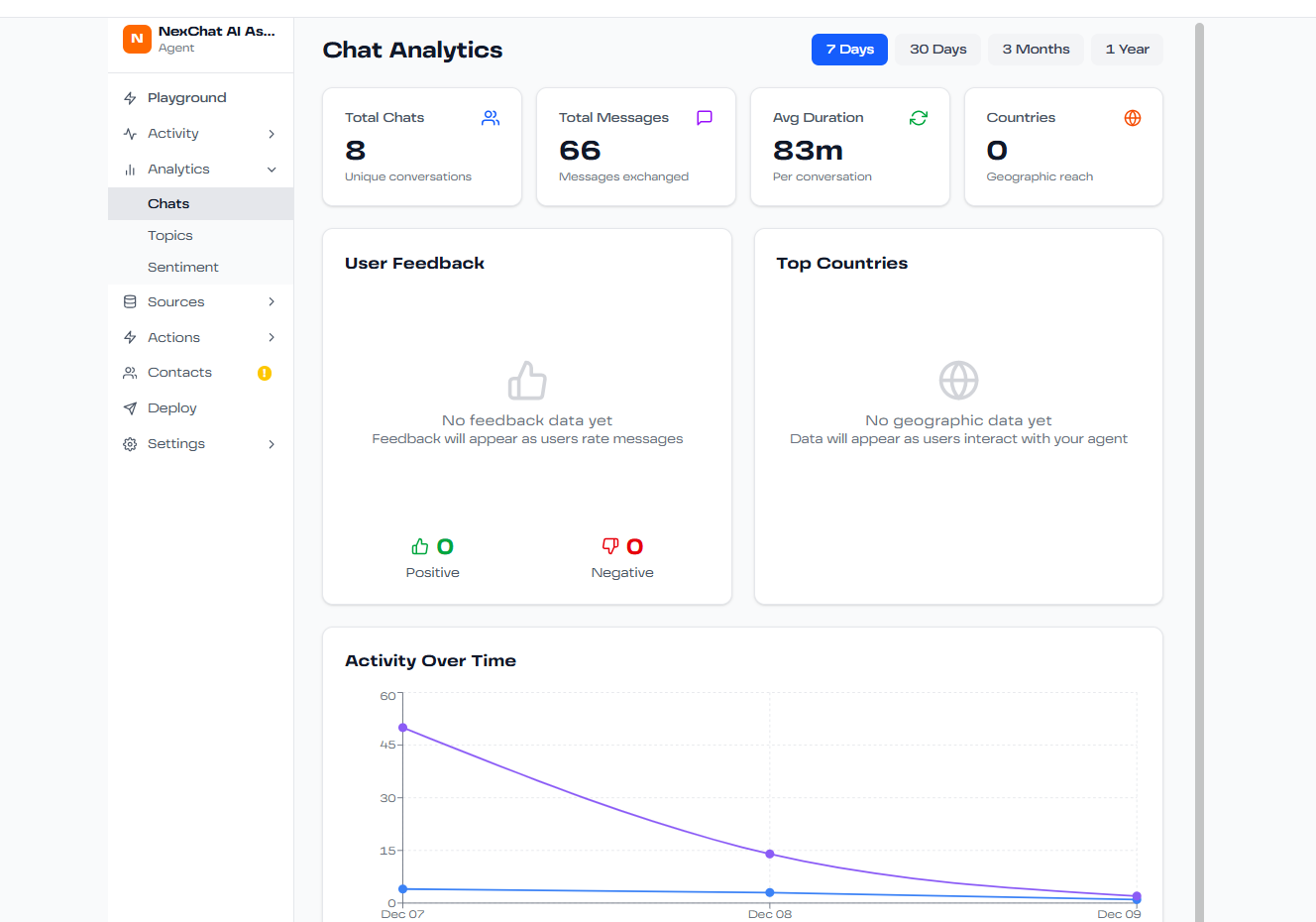
Key Metrics
The Analytics dashboard provides comprehensive insights across several key areas:
Total Conversations
Track the total number of conversations over time. See daily, weekly, and monthly trends to understand usage patterns.
Response Quality
Monitor user satisfaction through feedback ratings. See the percentage of positive vs. negative interactions.
Average Response Time
Measure how quickly your agent responds to user queries. Lower response times lead to better user experiences.
Popular Topics
See what users are asking about most frequently. Identify knowledge gaps and content opportunities.
Resolution Rate
Track the percentage of conversations where users received satisfactory answers without escalation.
Peak Hours
Understand when your agent is most active to optimize resources and support coverage.
Conversation Analytics
Dive deep into conversation patterns:
- Average Conversation Length: How many messages per conversation
- First Response Accuracy: Percentage of questions answered correctly on first try
- User Retention: How many users return for multiple conversations
- Escalation Rate: How often conversations require human intervention
Topic Analysis
NexChat automatically categorizes conversations by topic, showing you:
- Most frequently discussed topics
- Topics with highest satisfaction rates
- Topics that need more training data
- Emerging trends in user questions
Exporting Data
Export analytics data for deeper analysis:
- Select your desired date range
- Choose which metrics to include
- Click "Export"
- Download as CSV or PDF format
Use exported data for presentations, reports, or custom analysis in your preferred tools.
Using Analytics to Improve
Make your agent better with data-driven decisions:
- Add training data for frequently asked topics with low satisfaction
- Create Q&A pairs for questions that get inconsistent answers
- Adjust system prompts based on conversation patterns
- Optimize response times by upgrading models for peak hours